One app for M&S shopping
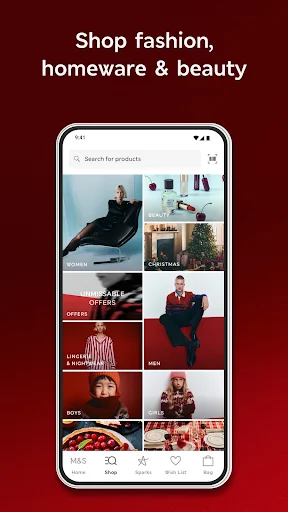
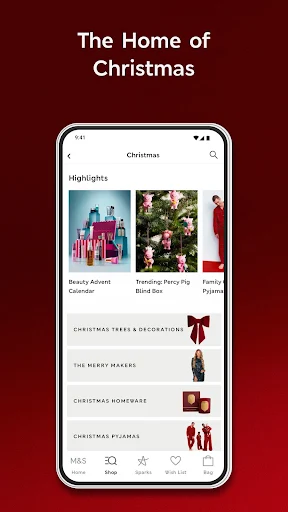
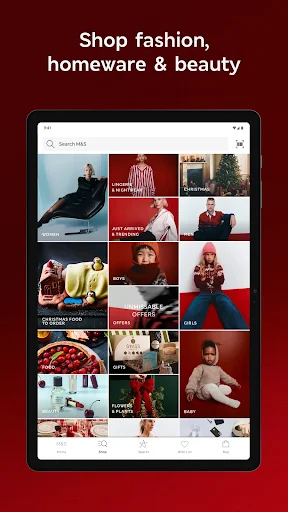
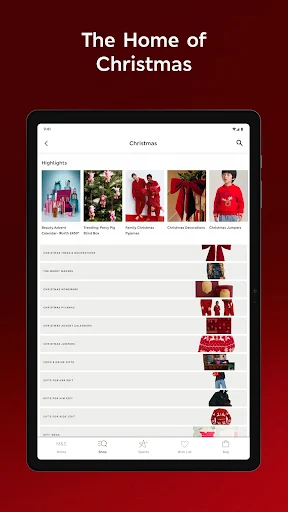
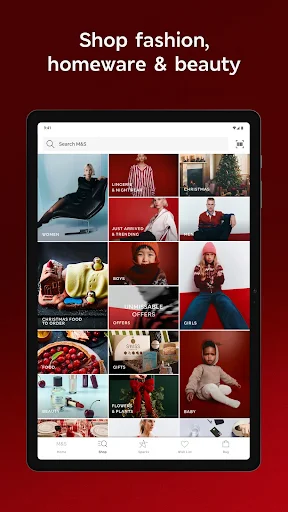
M&S - Fashion, Food & Homeware brings the retailer’s shopping categories together: clothing for adults and children, beauty, homeware, food, flowers and gifts. It suits people who already shop at Marks and Spencer and want to browse products, check local Foodhall prices and availability, or manage shopping across online and in-store visits. The listing has a 4.49-star rating from about 275,000 reviews and more than 5 million installs.
What you can do
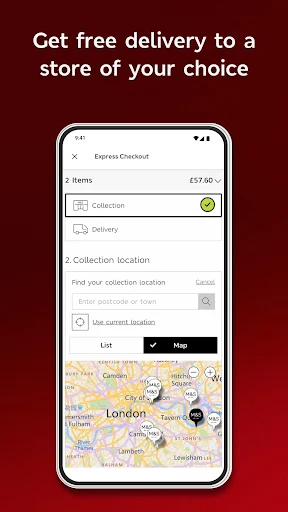
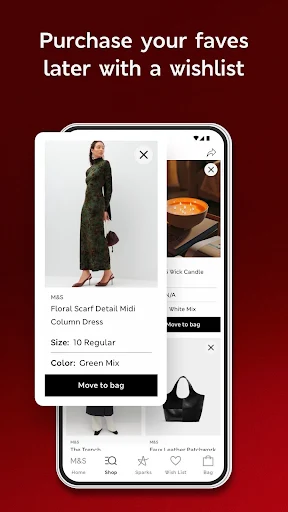
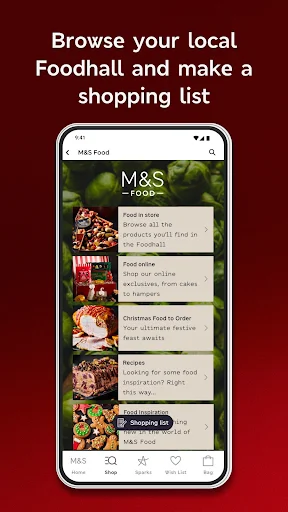
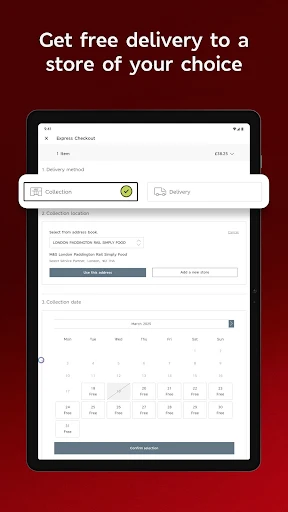
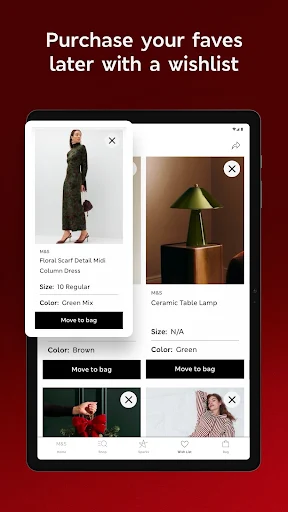
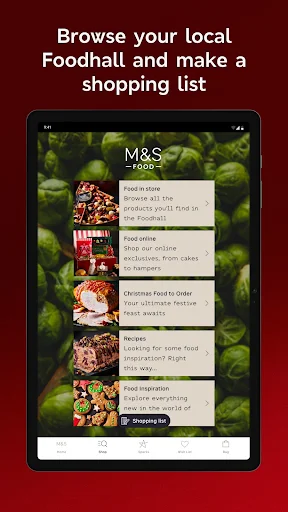
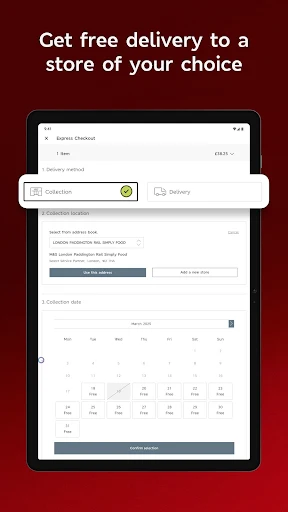
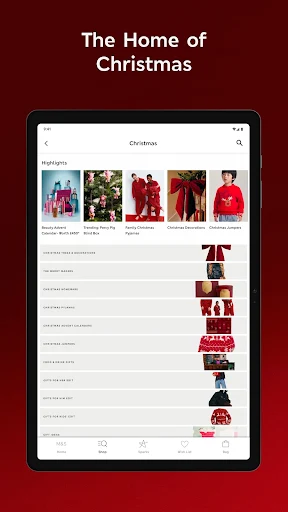
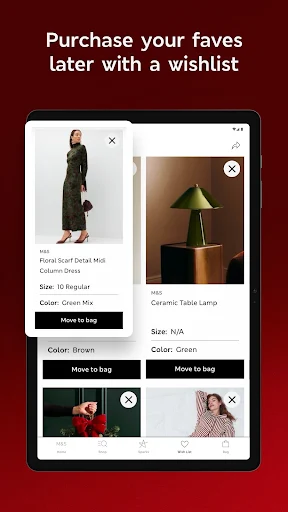
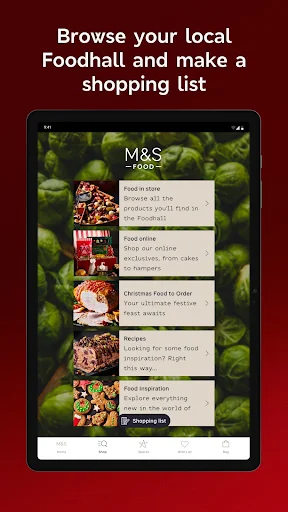
You can browse and buy products, make a food shopping list, and use recipes to plan meals. In store, barcode scanning can help you order another size, colour or style for delivery. The app also includes a store finder, order tracking and digital receipts. These features are useful, but they make this a retailer’s shopping tool rather than a general-purpose catalogue: its main purpose is to help you choose and purchase M&S goods.
Offers and account benefits
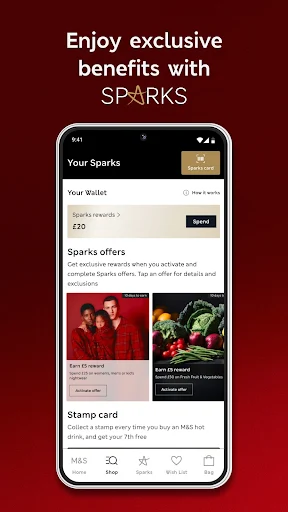
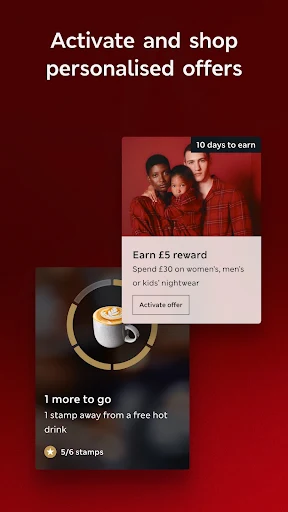
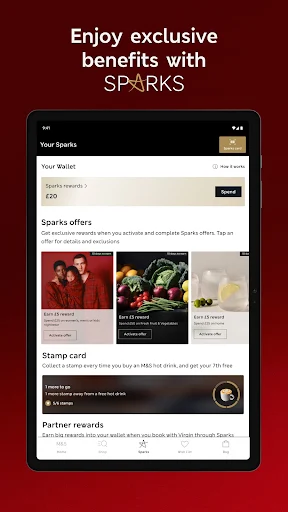
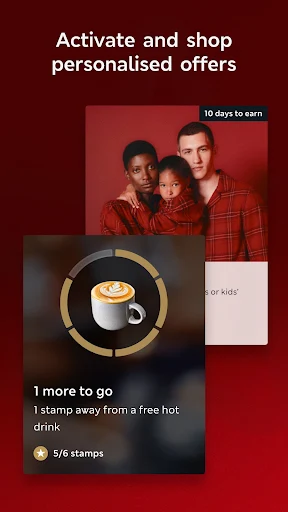
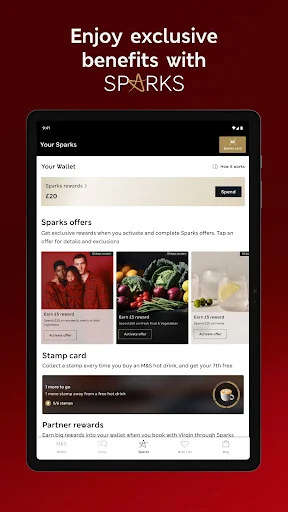
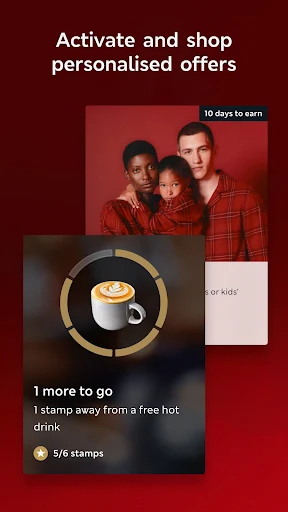
The Sparks loyalty programme provides personalised offers and a birthday treat. The app also lists other benefits, including parent-related perks and charity donations linked to shopping. To use loyalty features, expect to engage with the retailer’s programme; personalised offers are tailored to you. Check the programme’s terms for details before relying on a particular reward.
What it asks in return
The app is free to install, but shopping through it means paying for any goods you order. The supplied information does not specify whether the app shows advertising, what phone permissions it requests, or whether any digital features have separate charges. Review the current Google Play listing and permission prompts before use, especially if you only want to browse. Marks and Spencer is the developer.