Advertisement
Click to download now, finish the installation quickly, and directly unlock the all-round experience
Advertisement
Screenshots
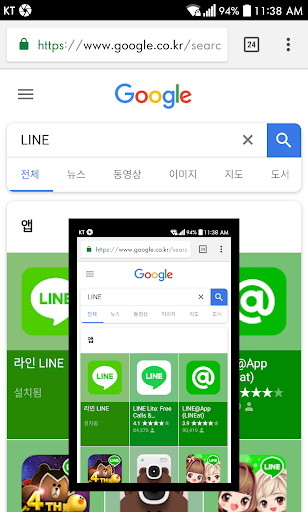
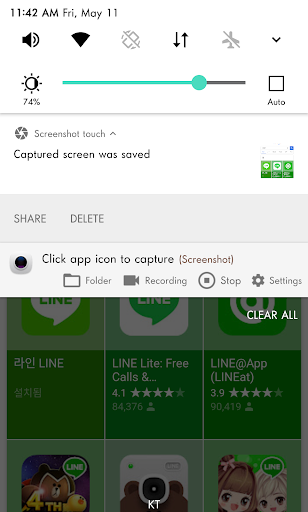
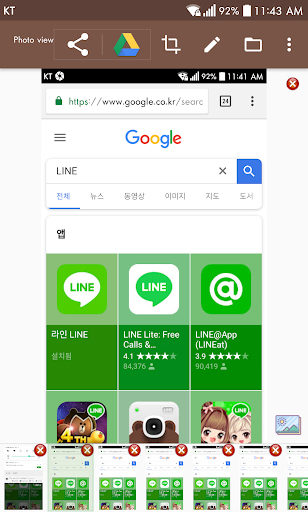
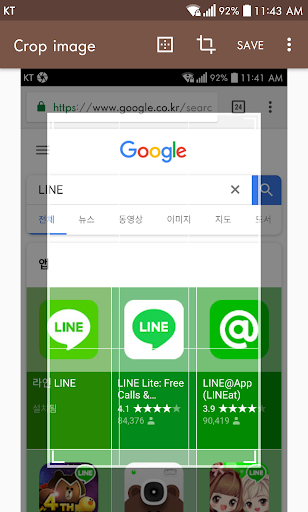
Click to download now, finish the installation quickly, and directly unlock the all-round experience
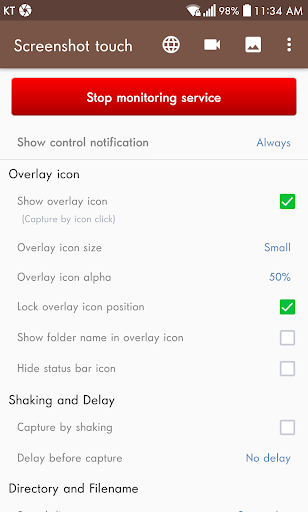
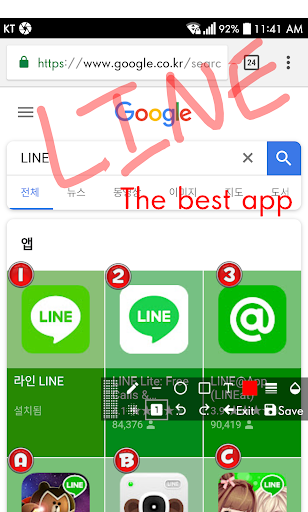
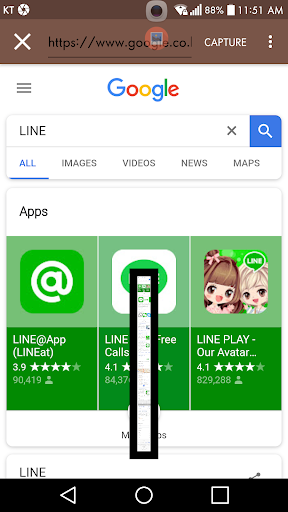
Screenshot touch captures Android screens using a floating on-screen control, a notification or a shake. It also records screen video and can capture a full scrolling web page through its in-app browser. That makes it useful for people who regularly save instructions, conversations or web content and want basic tools to organise or edit those captures.
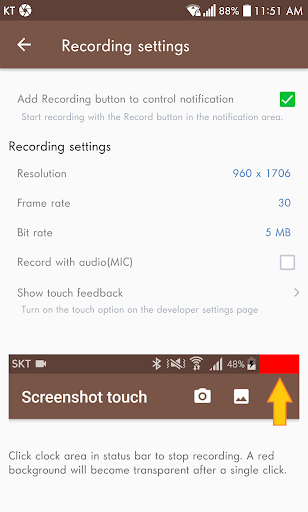
Images can be cropped, annotated and stitched together; the app also offers image combining, PDF creation and document scanning. Its photo viewer supports notes, tags and slideshows. Capture settings include the save location, file format, image quality and delay. You can choose to keep a persistent notification for quicker access, though that means a notification can remain visible.
Saving images and recordings requires access to photos and media. The floating capture control needs permission to display over other apps. Screen capture uses Android’s Media Projection service, which presents a system confirmation so you can approve sharing screen activity. Some protected apps, including certain banking or DRM apps, may block capture. Screenshots can be shared with other apps you have installed.
Screenshot touch contains ads. In-app purchases are offered to remove ads, unlock the full multiple-folder feature and use WebP or HEIF image formats; the supplied information does not specify their prices. The app is developed by Daejeong Kim and has a 4.46-star rating from about 210,575 reviews, with more than 10 million installs. Those figures suggest broad use, but they do not tell you whether the free version’s ads or limits will suit your routine.