Advertisement
Click to download now, finish the installation quickly, and directly unlock the all-round experience
Advertisement
Screenshots
Click to download now, finish the installation quickly, and directly unlock the all-round experience
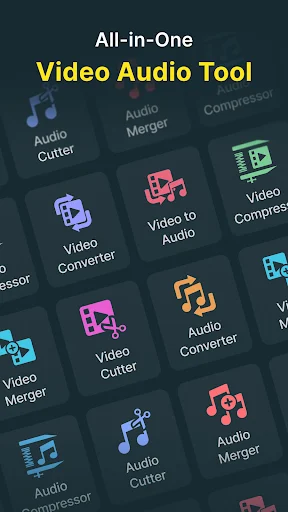
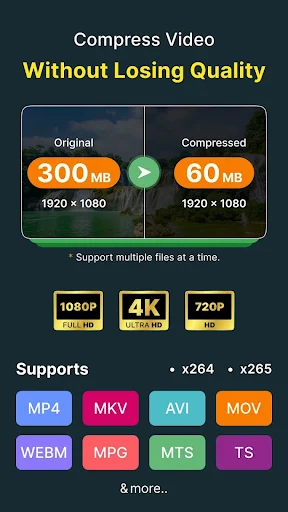
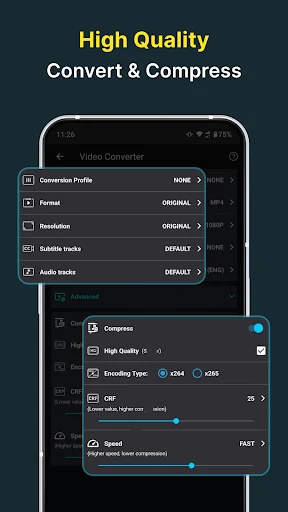
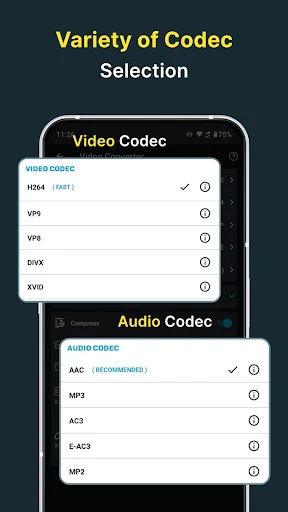
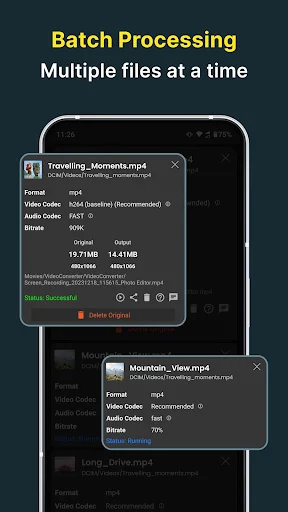
Video Converter, Compressor is a tools app from Inverse AI for people who need to make video files smaller, change their format or extract audio. It supports converting between many video formats and common audio formats, including MP3, AAC, WAV and FLAC. You can adjust resolution, frame rate and bitrate rather than relying only on an automatic conversion.
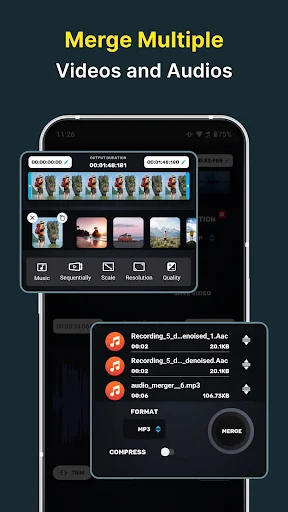
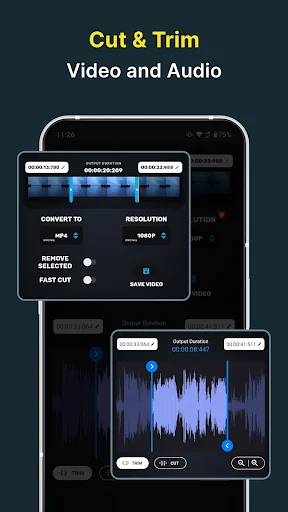
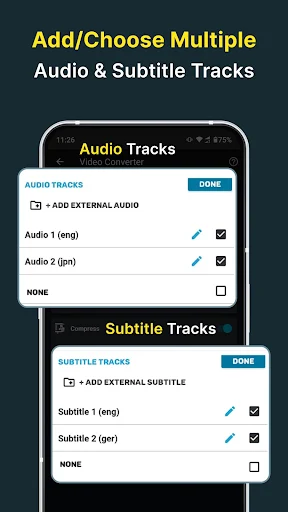
The app can trim or cut video and audio, and join multiple videos into one. For video, it also offers rotation and flipping. When working with a video that has subtitle or audio tracks, you can select an existing track or add supported external tracks. These options may suit someone preparing files for a particular device or tidying up clips before sharing; they are more than most people need for simply watching a video.
Conversion settings give you control, but they also mean more choices to make. Resolution and bitrate affect both output quality and file size, so getting the result you want may take some trial and error. This is a utility for changing media files, not a replacement for a full-featured video editor.
The listing reports 10,000,000+ installs and a 4.52-star rating from about 215,950 ratings. That indicates broad use, but it does not guarantee that the app will handle every file the way you expect. The supplied details do not specify whether it contains ads, offers in-app purchases or what phone permissions it requests. Check those points on Google Play before choosing it: free to install does not necessarily mean every part of an app is free to use.