Advertisement
Click to download now, finish the installation quickly, and directly unlock the all-round experience
Advertisement
Screenshots
Click to download now, finish the installation quickly, and directly unlock the all-round experience
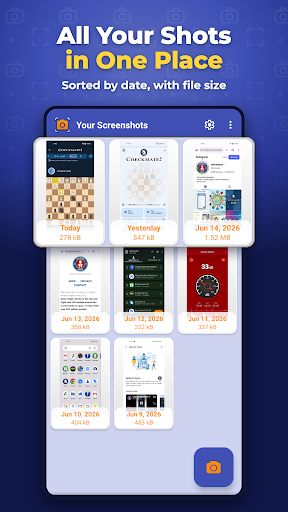
Screenshot by Splend Apps is a Tools app for taking screenshots on Android phones and tablets, then viewing, editing, cropping, deleting or sharing them. It suits people who take screenshots often and want capture controls and basic image management in one place.
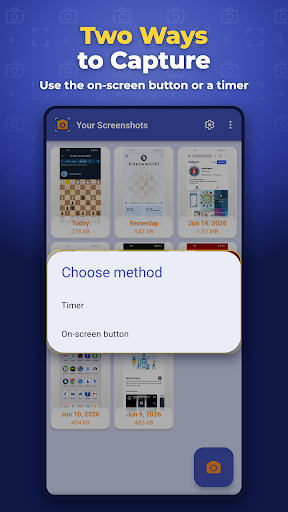
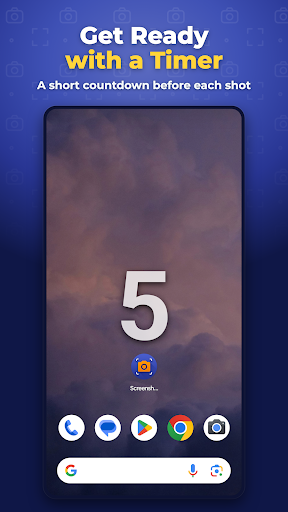
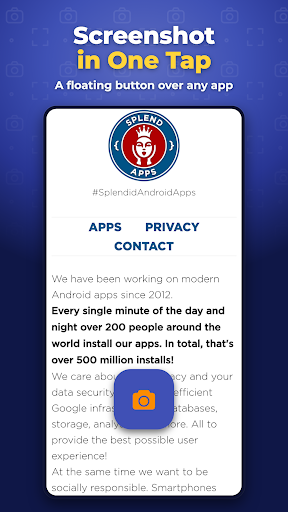
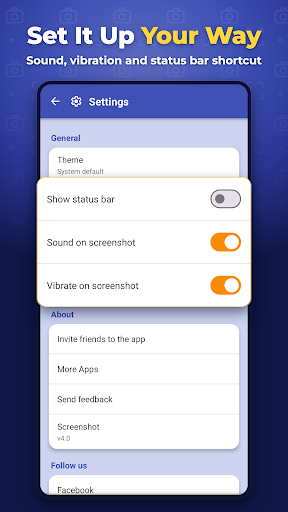
You can use Android’s standard button combinations, start a capture from the notification area, set a countdown, or use an on-screen shutter button. The floating button is designed to stay visible over other screens, which can help when timing matters. Captures can be shown with or without the status bar, and the app can play a shutter sound or vibrate.
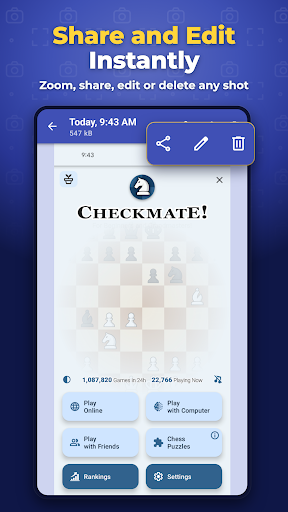
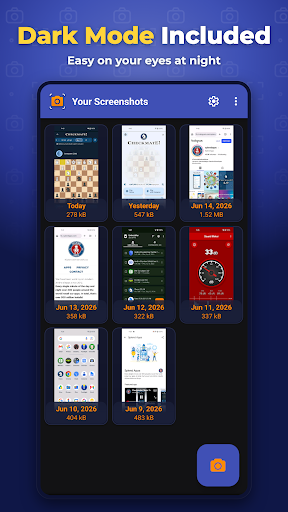
The app supports selecting multiple images in its gallery view and sharing screenshots through other apps. Some functions may not be available on devices that are not rooted, according to the supplied description.
The supplied information describes Screenshot as free to use, but does not say whether it contains advertising or offers purchases inside the app. It also does not provide a permissions list, so you cannot tell from these details exactly what phone access is requested. The floating shutter’s ability to appear over other screens is worth checking against the permissions shown on Google Play.
Screenshot is published by Splend Apps and has a 4.5-star rating from about 219,000 reviews, with more than 10 million installs. Those figures show broad use, but they do not answer questions about ads, purchases or permissions. If you only need Android’s built-in screenshot buttons, the extra controls may be unnecessary; if you want a timer, floating shutter and tools for sorting or editing captures, they are the app’s main appeal.