Total Commander - file manager
C. Ghisler
Downloads
10,000,000+
Source
Google Play
Advertisement
Click to download now, finish the installation quickly, and directly unlock the all-round experience
Advertisement
Screenshots
Click to download now, finish the installation quickly, and directly unlock the all-round experience
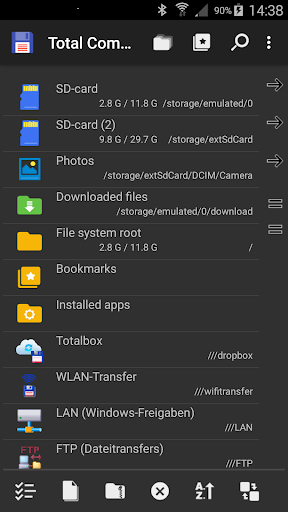
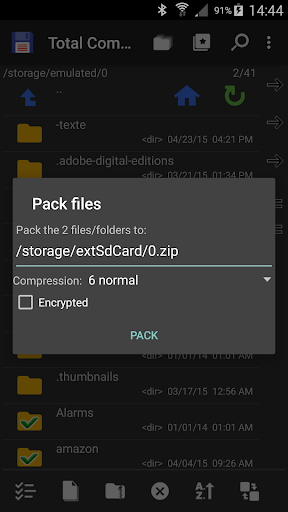
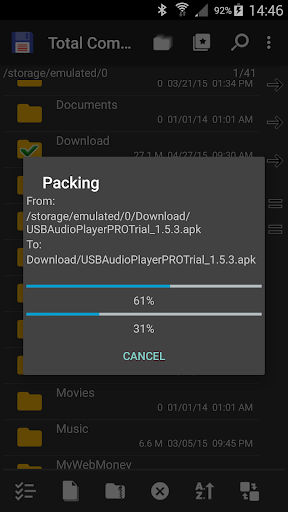
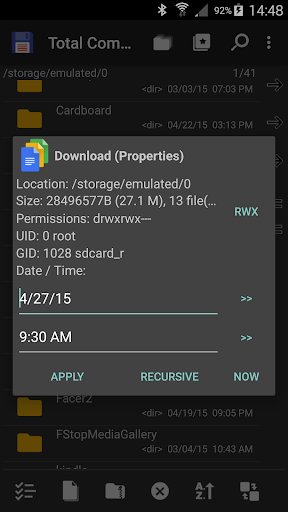
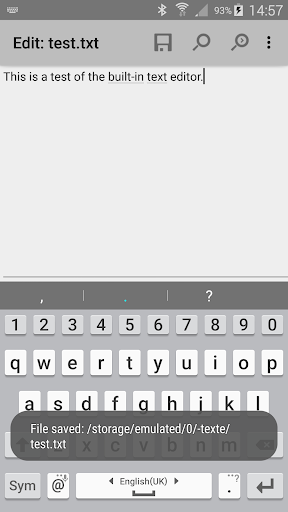
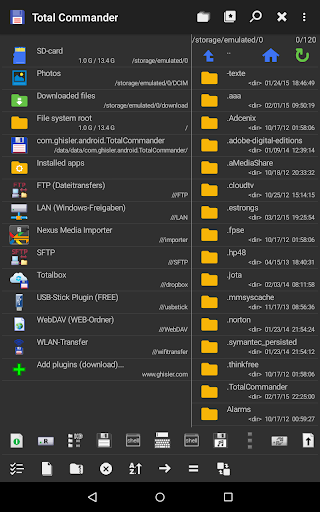
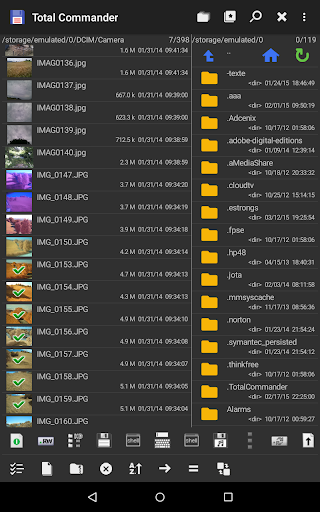
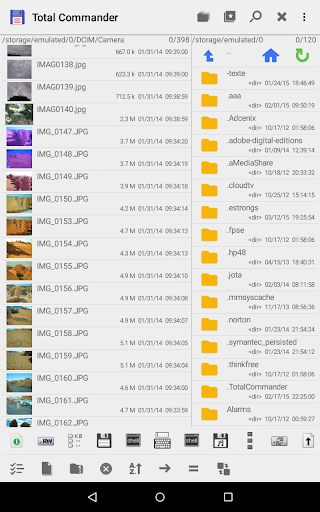
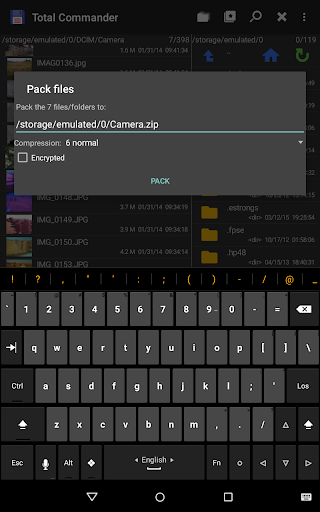
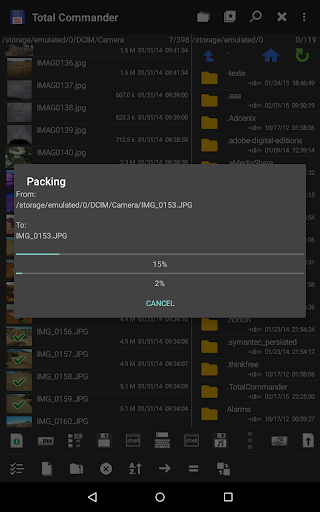
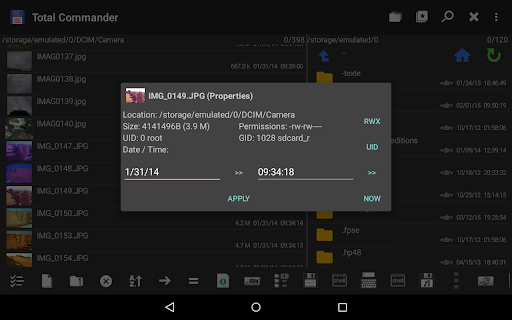
Total Commander - file manager is for people who want more control over files on an Android device. It can copy or move files and whole folders, rename items, create directories, search file names or text, and select groups of files. It also handles ZIP archives and RAR files, and includes a text editor, image thumbnails and a media player.
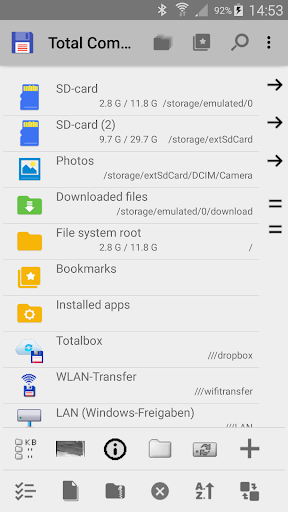
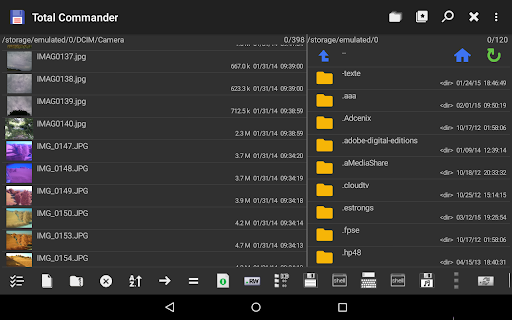
Its two-panel layout lets you view two locations side by side, which can make moving files between them easier. Bookmarks and directory history help you return to places you use often. FTP, SFTP, WebDAV, LAN and cloud services such as Google Drive, OneDrive and Dropbox are available through plugins, rather than being part of the core app. Check the plugin details before relying on a particular connection.
The developer says the app contains no ads, but its home folder has a link to download plugins. Google Play may classify that link as advertising because it points to the developer’s other apps. Deleting a file is permanent within the app: there is no recycle bin. Root functions are optional and intended for rooted devices; they can allow writing to system folders such as /system or /data, with a warning before writing to a write-protected partition.
Developed by C. Ghisler, Total Commander is listed in Tools and has more than 10 million installs. Its rating is about 4.0 out of 5 from 212,511 reviews. That scale may reassure users seeking an established file manager, but the plugin-based approach and dense set of controls may suit experienced users better than anyone looking for a very simple file browser.