Advertisement
Click to download now, finish the installation quickly, and directly unlock the all-round experience
Advertisement
Screenshots
Click to download now, finish the installation quickly, and directly unlock the all-round experience
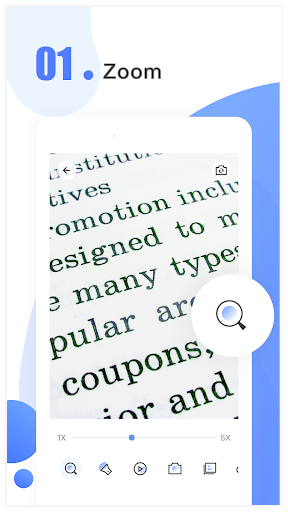
Magnifying Glass uses your phone’s camera to enlarge text and small details on screen. It is suited to quick close-up checks, such as reading a label, examining a small component or making out print in dim light. Binghuo Studio lists it in the Tools category.
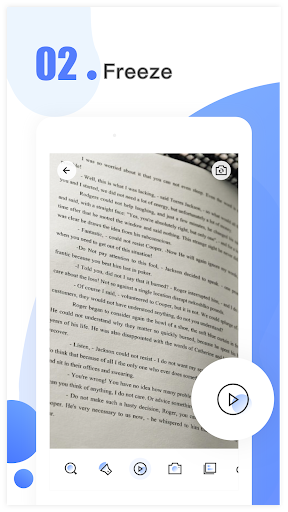
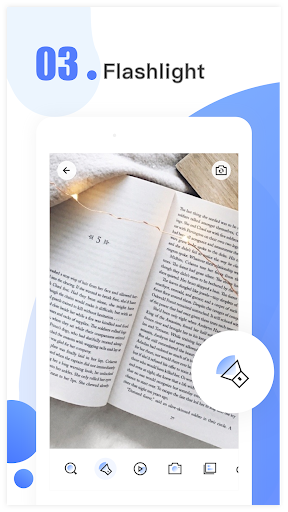
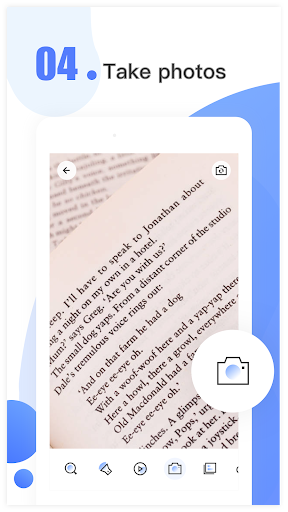
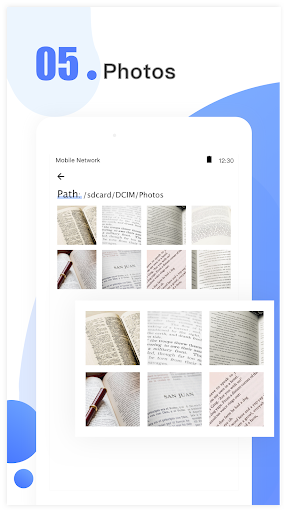
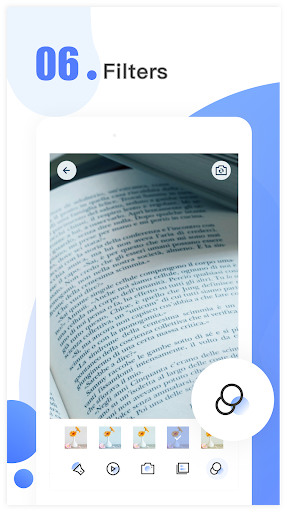
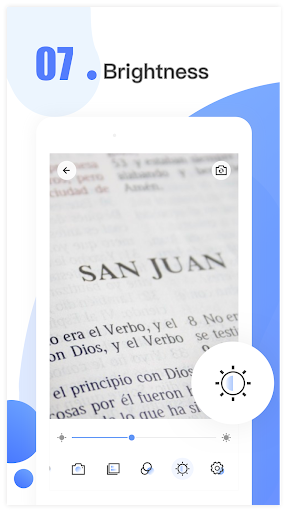
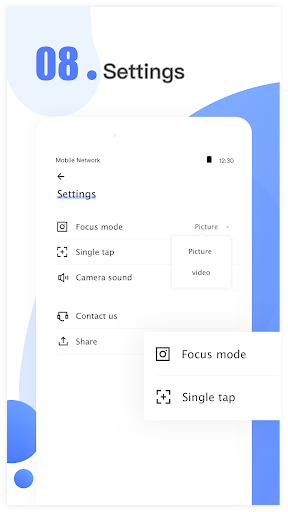
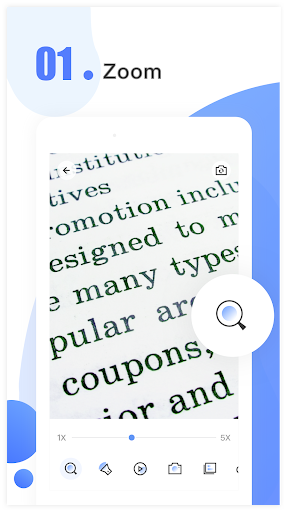
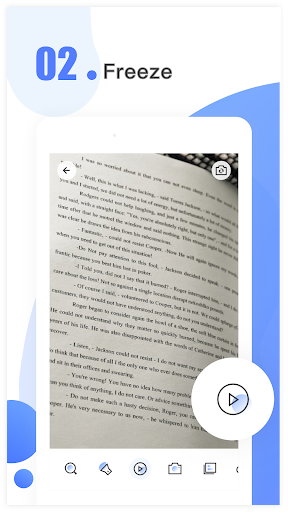
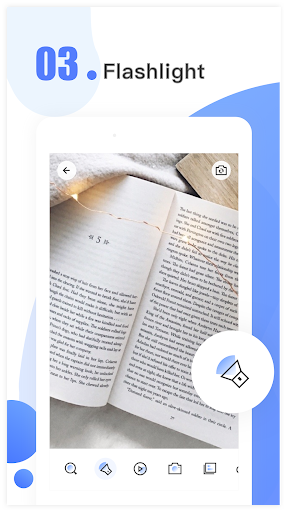
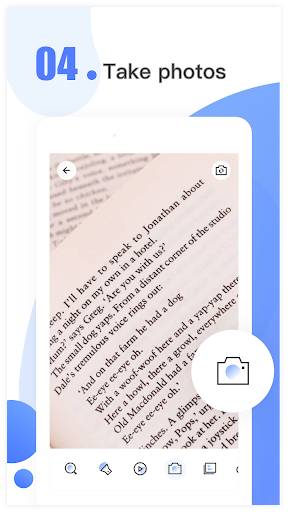
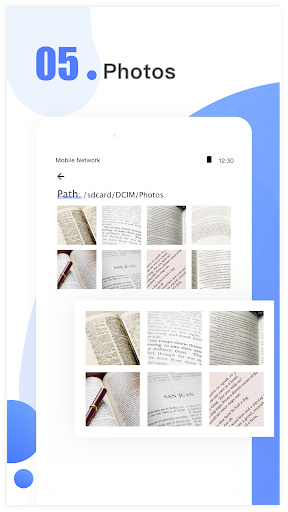
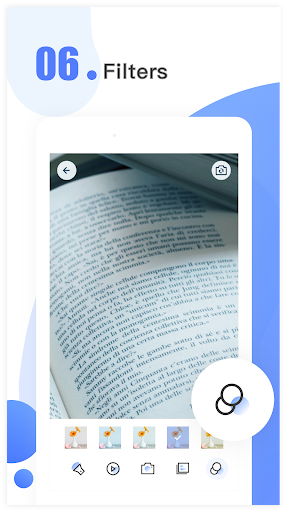
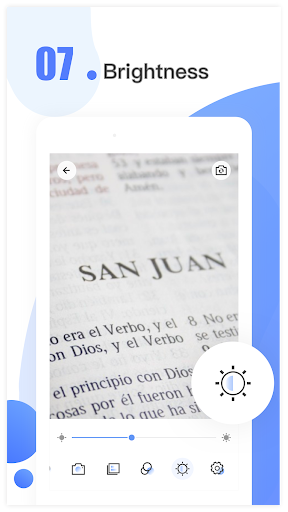
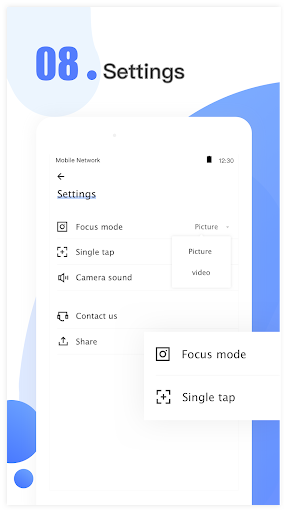
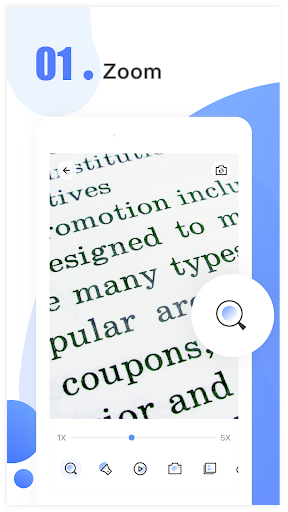
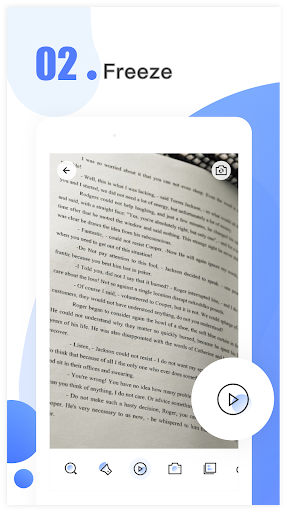
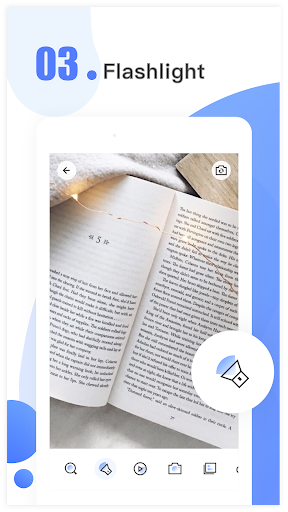
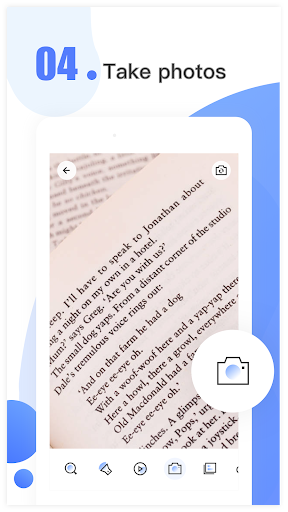
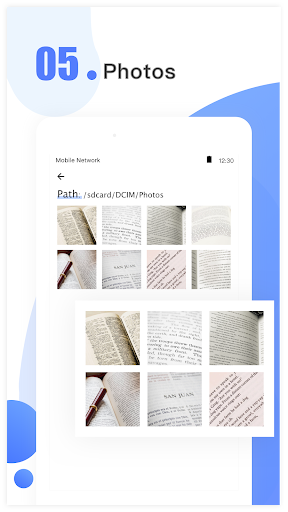
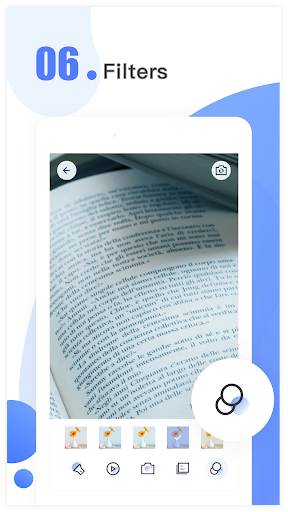
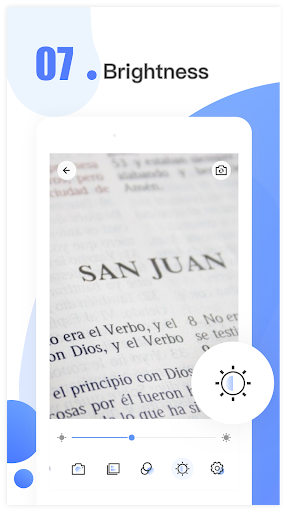
The app offers zoom controls, a freeze option for holding a view still, and a flashlight for low-light situations. You can take pictures of magnified views, then browse, share or delete saved pictures. Screen brightness and image filters can also be adjusted. These tools can help with everyday close-up viewing, but the app is not a substitute for a medical device or a real microscope.
Because magnification relies on the camera, the app needs camera access to show a live enlarged view. The supplied description says this access is for magnifying objects. Before using it, consider whether you are comfortable granting camera access. The available details do not say how frequently the app shows ads or whether it offers purchases inside the app, so those are worth checking on its Google Play page.
Magnifying Glass has a 4.7-star rating from about 168,000 reviews and more than 10 million installs. Those figures suggest it has reached a large audience, but ratings do not tell you whether its access requests or any advertising suit your preferences. Check the current listing for those details before deciding.