Advertisement
Click to download now, finish the installation quickly, and directly unlock the all-round experience
Advertisement
Screenshots
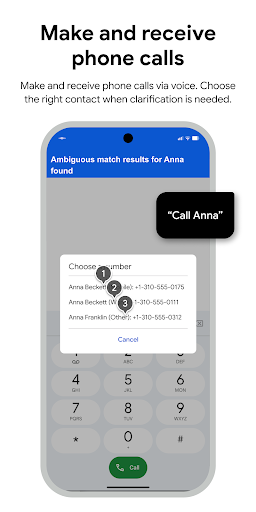
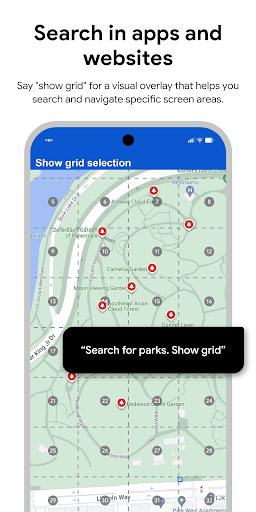
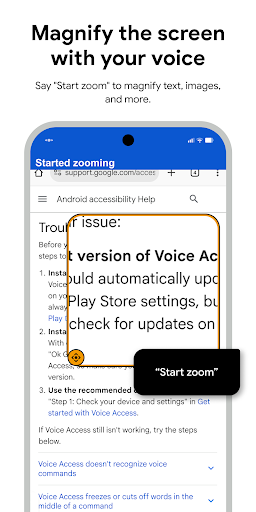
Click to download now, finish the installation quickly, and directly unlock the all-round experience
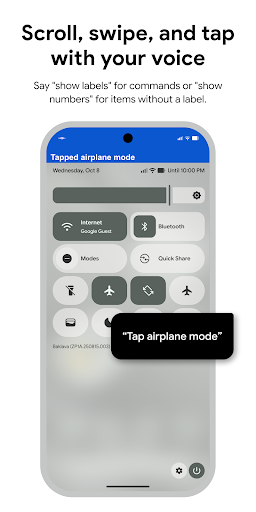
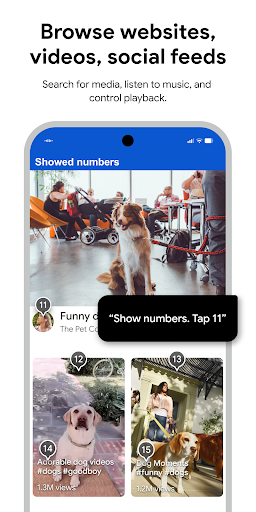
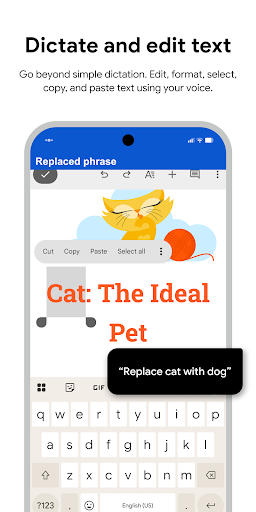
Voice Access lets you navigate and operate an Android phone with spoken instructions instead of relying on touch. It is aimed especially at people who find a touchscreen difficult to use, including people with motor impairments, as well as anyone who needs hands-free control. You can ask it to open an app, go back, scroll, or select an item on the screen. It also supports dictation and basic text editing.
Voice Access uses Android’s AccessibilityService to read information about screen controls and activate them when you give a spoken command. That access is central to the app’s purpose: it needs to identify what is on screen so it can act on your instructions. Consider whether you are comfortable granting an accessibility tool that level of access before enabling it.
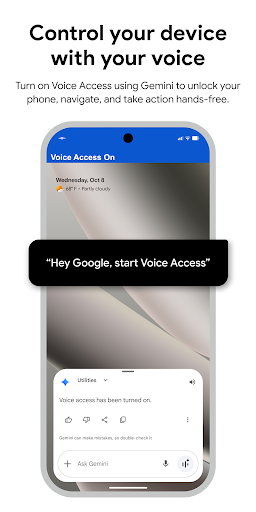
You can start it through the Google Assistant if “Hey Google” detection is enabled, or use its notification or on-screen button. Saying “stop listening” pauses it temporarily; turning it off completely requires changing the Voice Access setting under Accessibility.
A built-in tutorial introduces common tasks such as starting Voice Access, tapping, scrolling, editing text, and asking for help. Commands can also cover basic navigation and actions in the current app, so the feature is useful beyond dictating messages. It may take practice to learn which spoken instructions work for the task and screen in front of you.
Google LLC publishes Voice Access in the Tools category. It has a 3.85-star rating from 247,736 reviews and more than 1 billion installs. Those figures show broad use, but they do not establish whether the app will suit your device or needs. The supplied details do not specify whether it contains ads or in-app purchases, so check the store listing for those terms before choosing it.